

Step 3 - Configuration
Tag Configuration Overview
Once the Zeotap Collect Tag is added to your Google Tag Manager (GTM) workspace, detailed configuration is required to tailor its functionality to your specific data collection needs. This involves setting up various options that control how the tag initializes, tracks user behavior, manages identities, and integrates with other services.
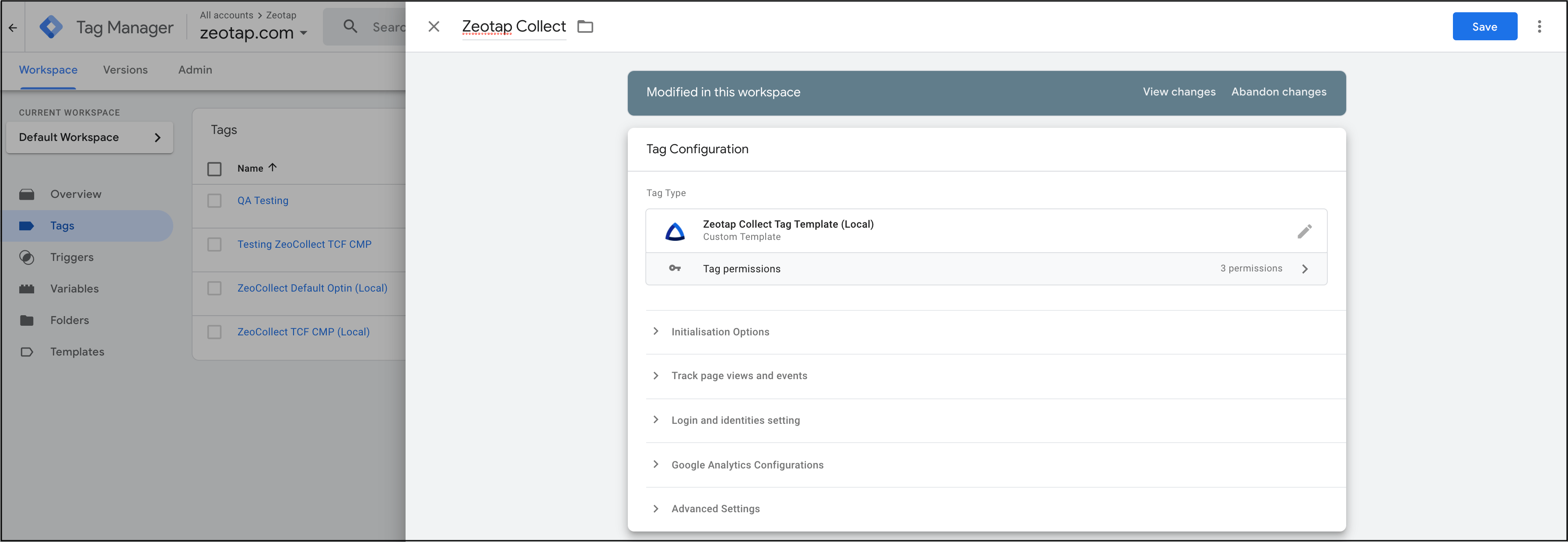
The configuration process is broken down into the following key sections:
Below is a visual overview of where these configuration options are typically found within the GTM interface for the Zeotap Collect Tag:
Last modified on June 25, 2026