

Segment
Audience Lifecycle
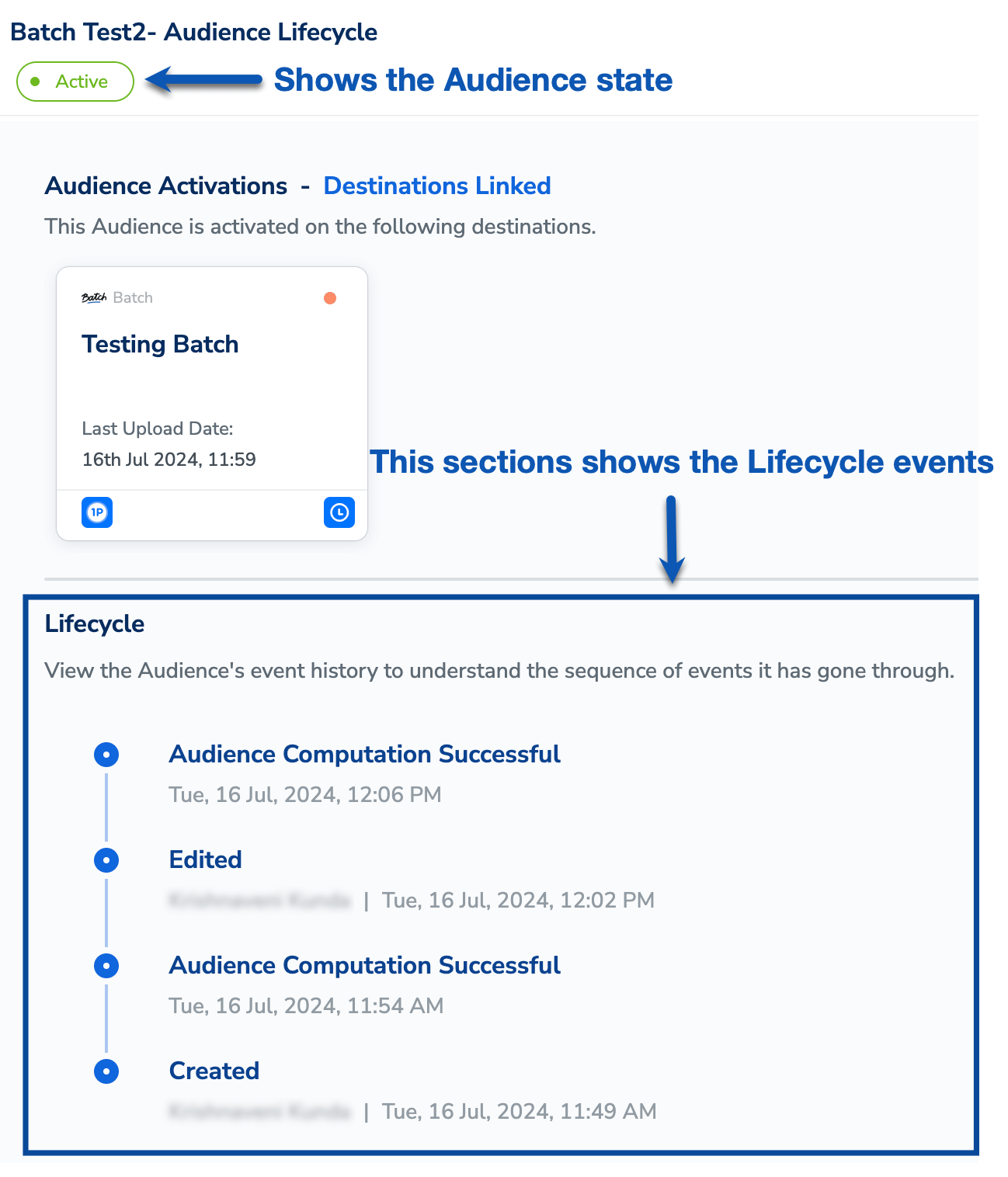
In the Audience Lifecycle screen, you can track the various states an audience transitions through, such as when it is created, edited, paused, resumed and more. You can also view lifecycle events based on actions performed on the audience, as well as events related to the audience’s activation status. The Audience Lifecycle feature provides a detailed view of all events, including timestamps and the individuals responsible for each event, as shown in the image below.
Last modified on February 26, 2026