

What Happened
Your batch upload to a destination did not deliver. The run stays in anIn Progress state long past its expected completion time, or the run finished with a Failed status, and the records have not reached the destination platform.
Why This Happens
A batch destination upload moves through several stages — the audience build completes, the export is generated, and the upload to the destination is triggered. The run stalls or fails at the upload stage for a small number of reasons:- A transient processing error on the upload step that needs the run to be re-triggered.
- The destination credential has expired or been rotated at the destination platform, and the destination rejects the upload.
- The destination platform has hit one of its own limits (for example, a cap on the number of audiences it accepts).
How to Resolve
The Run Is Stuck in In Progress
1
Open the destinations list to find the affected destination.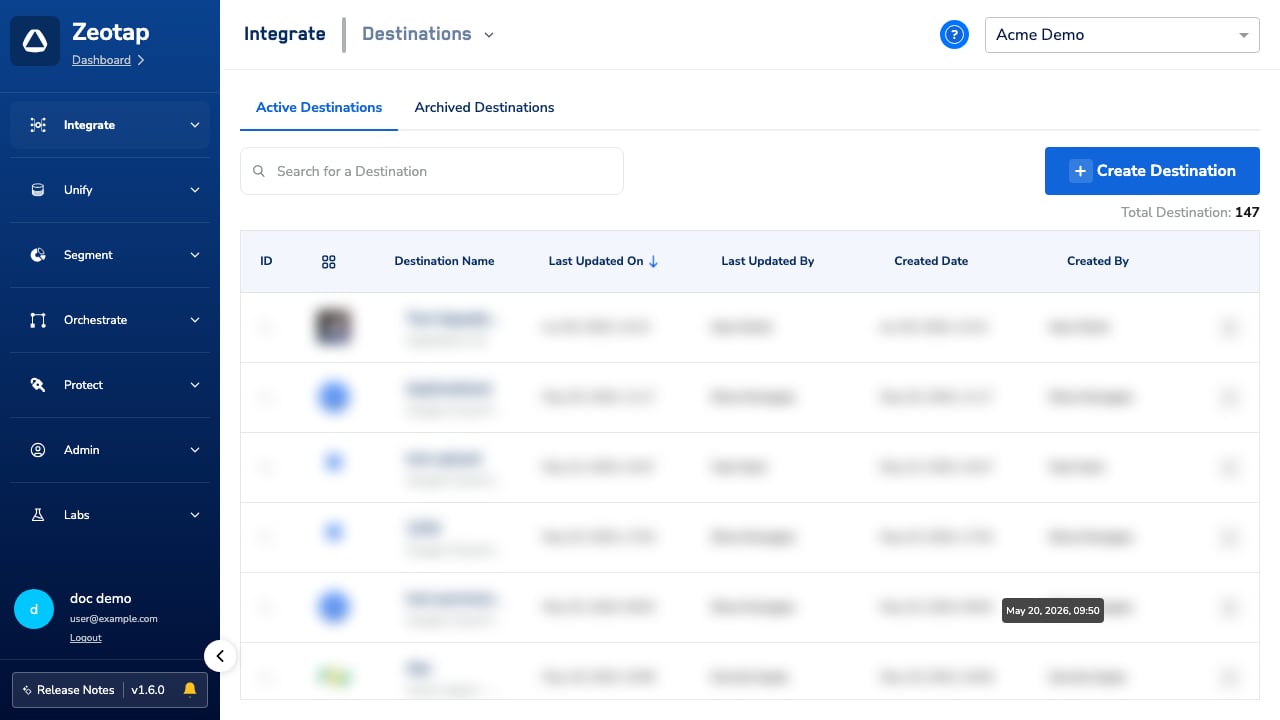
2
Go to the Audiences application and open the audience linked to that destination. Its Activation Status shows
In Progress for the upload that has not advanced past its expected completion time. For what each status value means, see Audience Status and Activation Status.3
Wait for the next scheduled refresh. A single stuck run is treated as transient, and the next scheduled refresh clears it in nearly all cases.
4
If the audience is time-sensitive or the next refresh has also not advanced, contact Support and ask for the run to be re-triggered. See When to Contact Support below for the data to attach.
The Run Finished with a Failed Status
1
Open the affected destination and confirm the most recent run shows the
Failed status.2
Re-trigger the audience refresh. A re-trigger clears transient upload failures without any change on your side.
3
If the re-triggered run also fails, confirm that the destination credential is still valid. Credentials rotated at the destination platform reject uploads until the new value is saved in Zeotap.
Credential rotations happen in the destination platform itself (your S3 console, your Braze workspace, your DV360 account). Confirm the current credential value there before updating it in Zeotap.
4
If the re-triggered run still fails after the credential is confirmed, check whether the destination platform has hit a cap on the number of audiences it accepts. Remove or rename audiences in the destination platform that are no longer in use, then re-trigger the refresh.
When to Contact Support
Contact Zeotap Support when:- The stuck run has not cleared after the next scheduled refresh.
- A re-triggered run fails again with the destination credential confirmed valid.
- You see a status or message that does not match the table above.
FAQs
Will re-triggering the refresh create duplicate records in the destination?
Will re-triggering the refresh create duplicate records in the destination?
No. A re-trigger reprocesses the same export. Destinations that key on a stable identifier treat the re-delivered records as updates to the same profiles, not as new duplicates.
Some records arrived at the destination on the same day the run failed — how?
Some records arrived at the destination on the same day the run failed — how?
Earlier runs in the day completed and delivered records before the failure. A
Failed status applies to that individual run only; it does not roll back records that earlier successful runs already delivered.After rotating a credential, do I need to recreate the destination in Zeotap?
After rotating a credential, do I need to recreate the destination in Zeotap?
No. Update the credential value on the existing destination configuration. Recreating the destination is not required, and it creates a new audience or list on the destination platform instead of updating the existing one.