

1
After the Entry Condition node, click + and choose Add a Delay.
2
Choose the wait duration in minutes, hours, days or weeks that must elapse before a user can move to the next step in the workflow.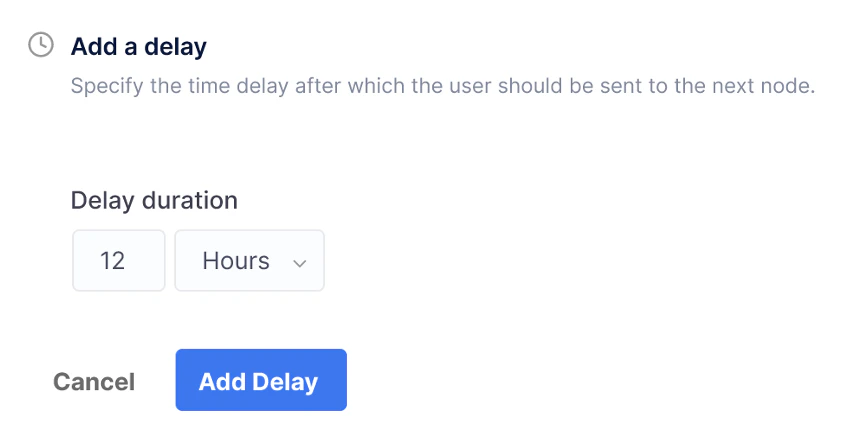
3
Click Add Delay. The delay is added to the workflow builder.