

- Add new triggers of a type page view, for each page or all the pages on which you want to fire the tag.
| Configuring Tag for All Pages | Configuring Tag for Specific Page |
|---|---|
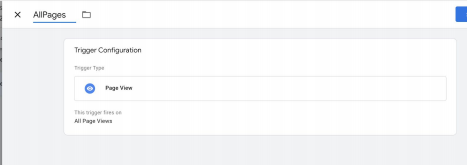 | 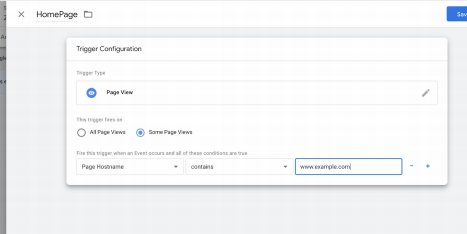 |
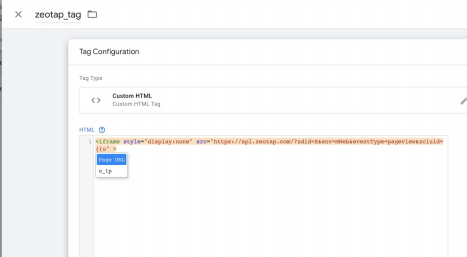
| Add a new tag for the Zeotap Cookie Syncing tag with the following details: |
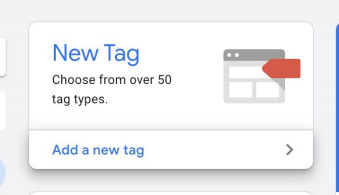
1
Choose Custom HTML as the Tag Type.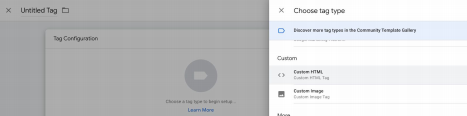
2
Choose the saved trigger.
3
Name and save the tag for testing and deployment.
4
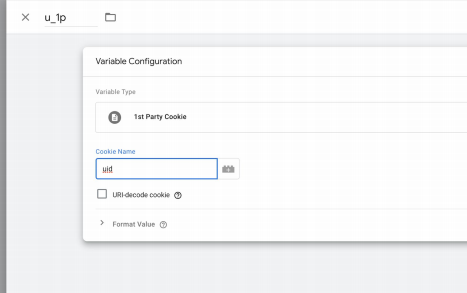
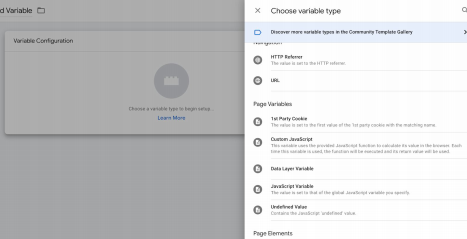
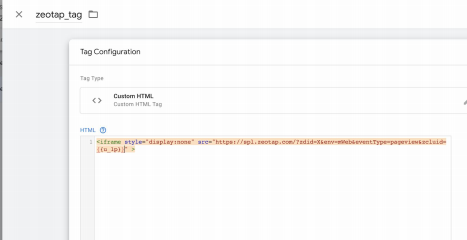
To include the additional parameters that must be sent in the tag, create variables to attach the values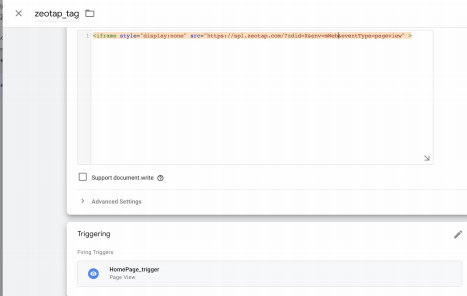
| Defining a Macro |
|---|
 |
 |
 |
 |
Note: The records for the country and city columns are blacklistedfor ingestion because SPL uses the user’s IP address to find outthe country and city automatically. For the complete list of blacklisted fields, click here. |