> ## Documentation Index
> Fetch the complete documentation index at: https://docs.zeotap.com/llms.txt
> Use this file to discover all available pages before exploring further.
# Add or Delete a Node
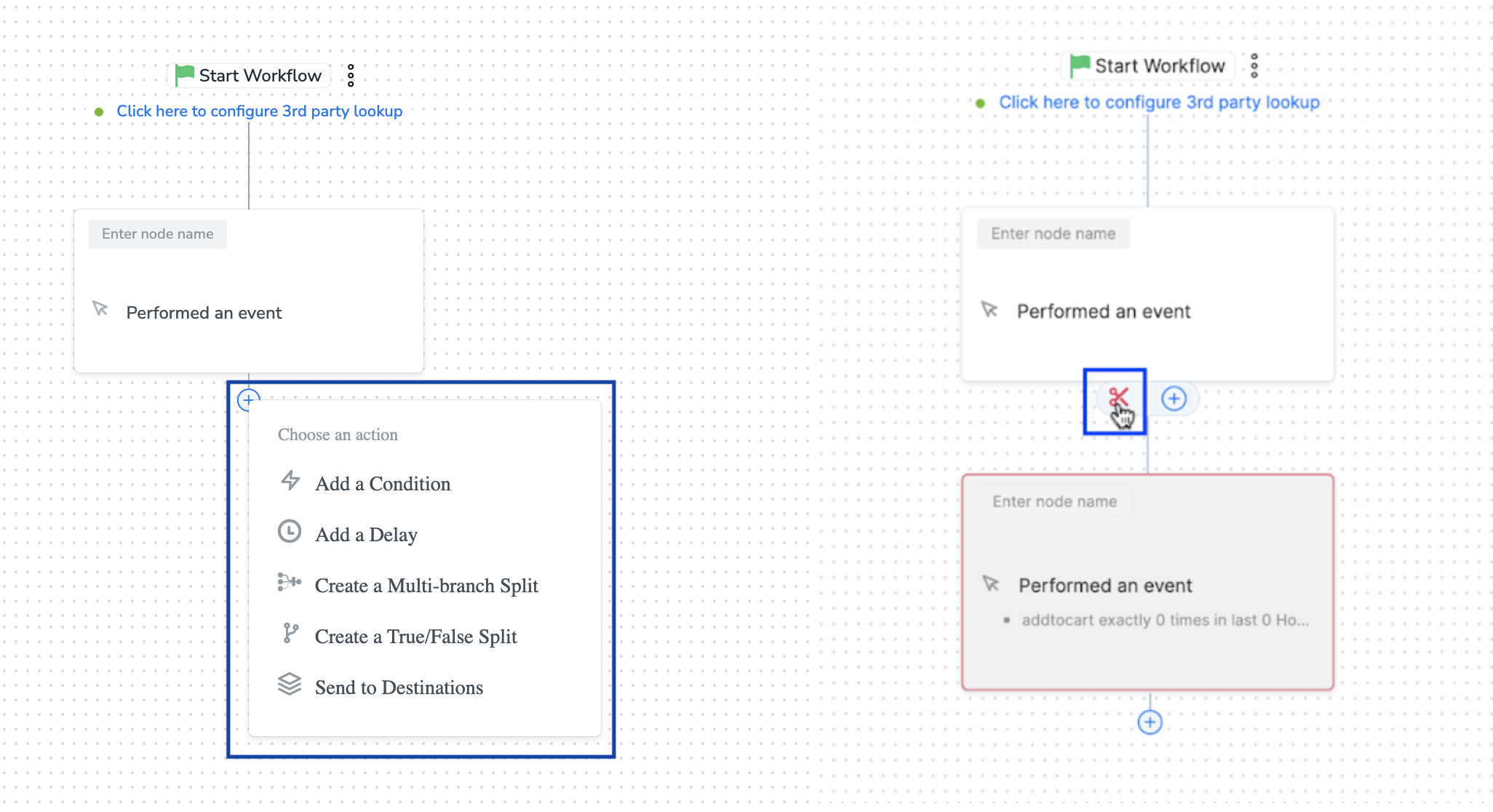
> Based on your business requirement, anytime in the workflow, you can either add a new node in between the existing nodes or even choose to remove the node that appears next in line.
While removing a node, the system deletes the rest of the workflow definition that lies after that node. Once deleted, all the underlying definition is permanently lost and cannot be recovered again.
**Note:**
*In case of a multi-branch split applied, you can delete the individual nodes that lie within the split. But, when you try to delete a multi-branch split, both the underlying individual nodes are deleted as well.*