> ## Documentation Index
> Fetch the complete documentation index at: https://docs.zeotap.com/llms.txt
> Use this file to discover all available pages before exploring further.
# Source Report
> The Source report provides the ingestion health and status of a source. It is available on the source details page under the **SOURCE REPORT** tab. Click the source name to navigate to the source report screen.
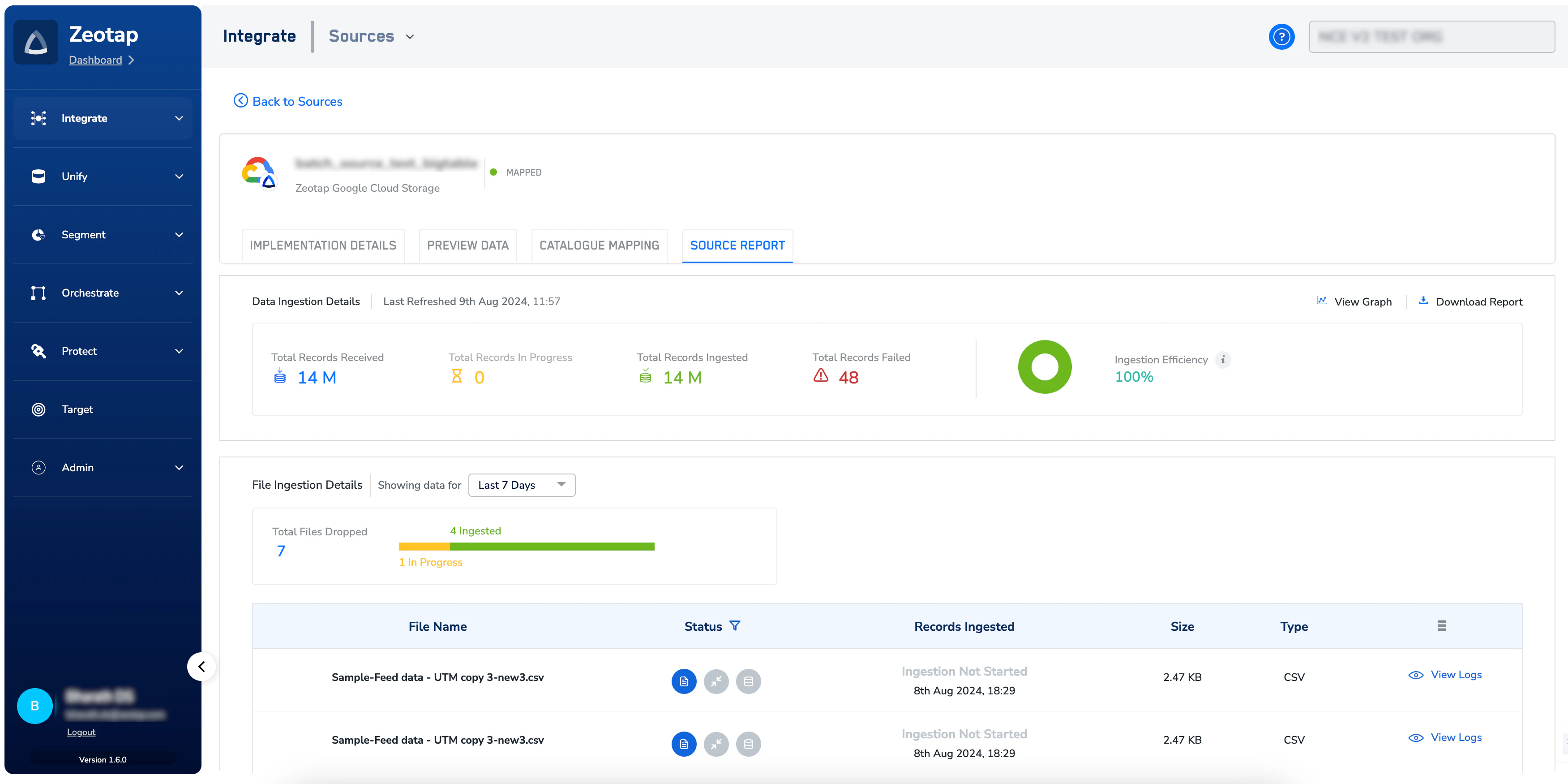 To know more about the information that is visible under the **SOURCE REPORTS** tab, refer to [Exploring Source Reports](/articles/integrate-customer/exploring-source-reports).