> ## Documentation Index
> Fetch the complete documentation index at: https://docs.zeotap.com/llms.txt
> Use this file to discover all available pages before exploring further.
# Create an Airship Real-Time Data Streaming Source
**Note:**
*Refer to [Airship Real-Time Data Streaming Source](/articles/integrate-customer/airship-real-time-data-streaming-source) to know more about this source.*
## Prerequisites
**Match the Airship Channel ID to Zeotap attribute** -
In addition to the Named Users, you can also match the Airship channel ID with the Zeotap attribute to enhance customer profiles in the Zeotap system. The following get method can be used to retrieve the Airship channel ID through our SDK from the Airship SDK:
```javascript Code theme={null}
UA.then(sdk => {
sdk.getChannel().then(channel => {
zeotap.setUserIdentities("Airship_Channel_id" : channel.id)
})
})
```
**Note:**
For more information about how to fetch the custom identities through Zeotap's SDKs, refer [here](/articles/sdks/web-js/api-reference#custom-identities).
## Step-by-Step Process
Perform the following steps to create a Airship Real-Time Data Streaming source:
Log into the Zeotap CDP App and navigate to the **Sources** application under **Integrate.**
Click **CREATE SOURCE**.
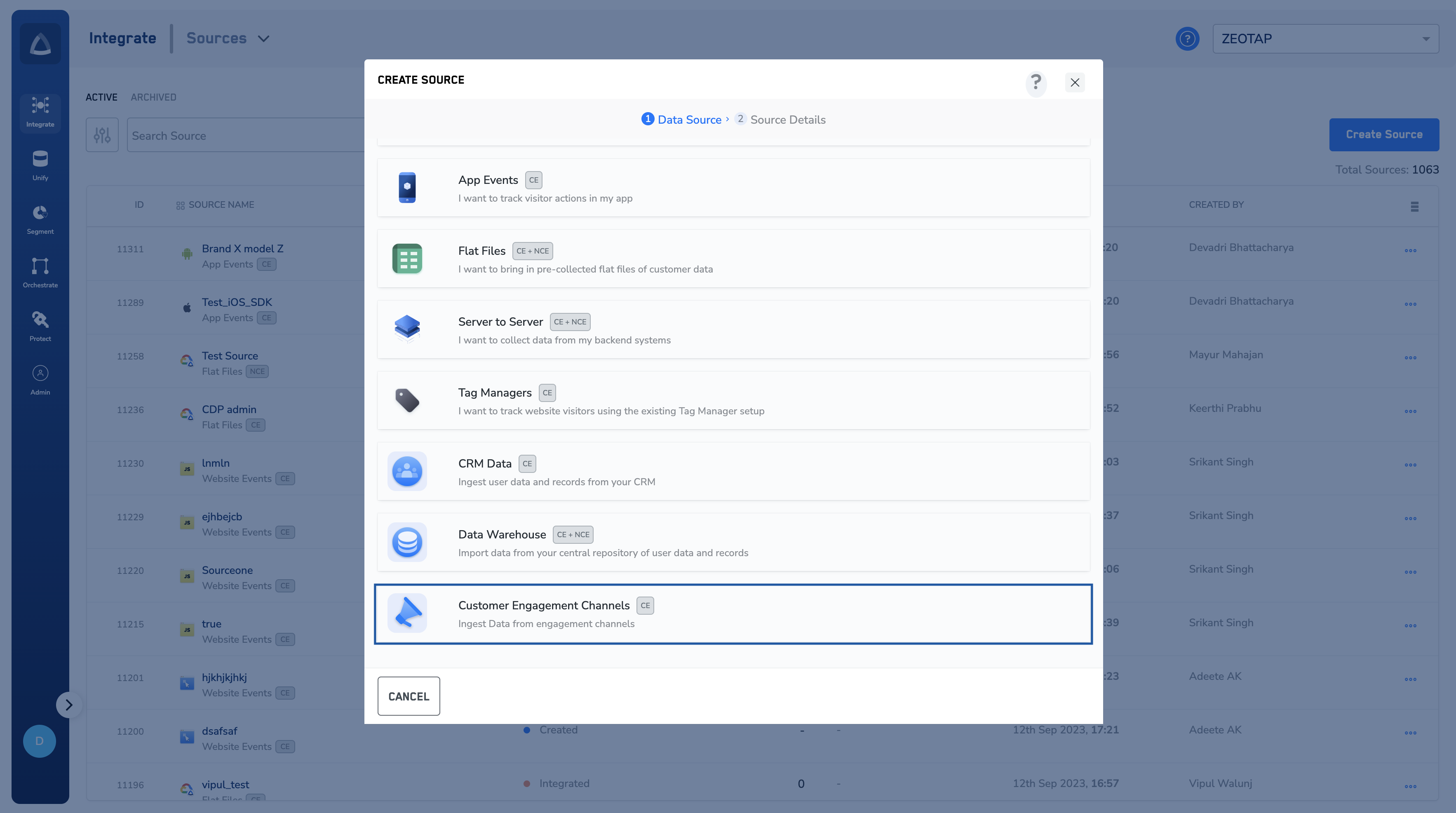
Choose **Customer Engagement Channels** as the Category.
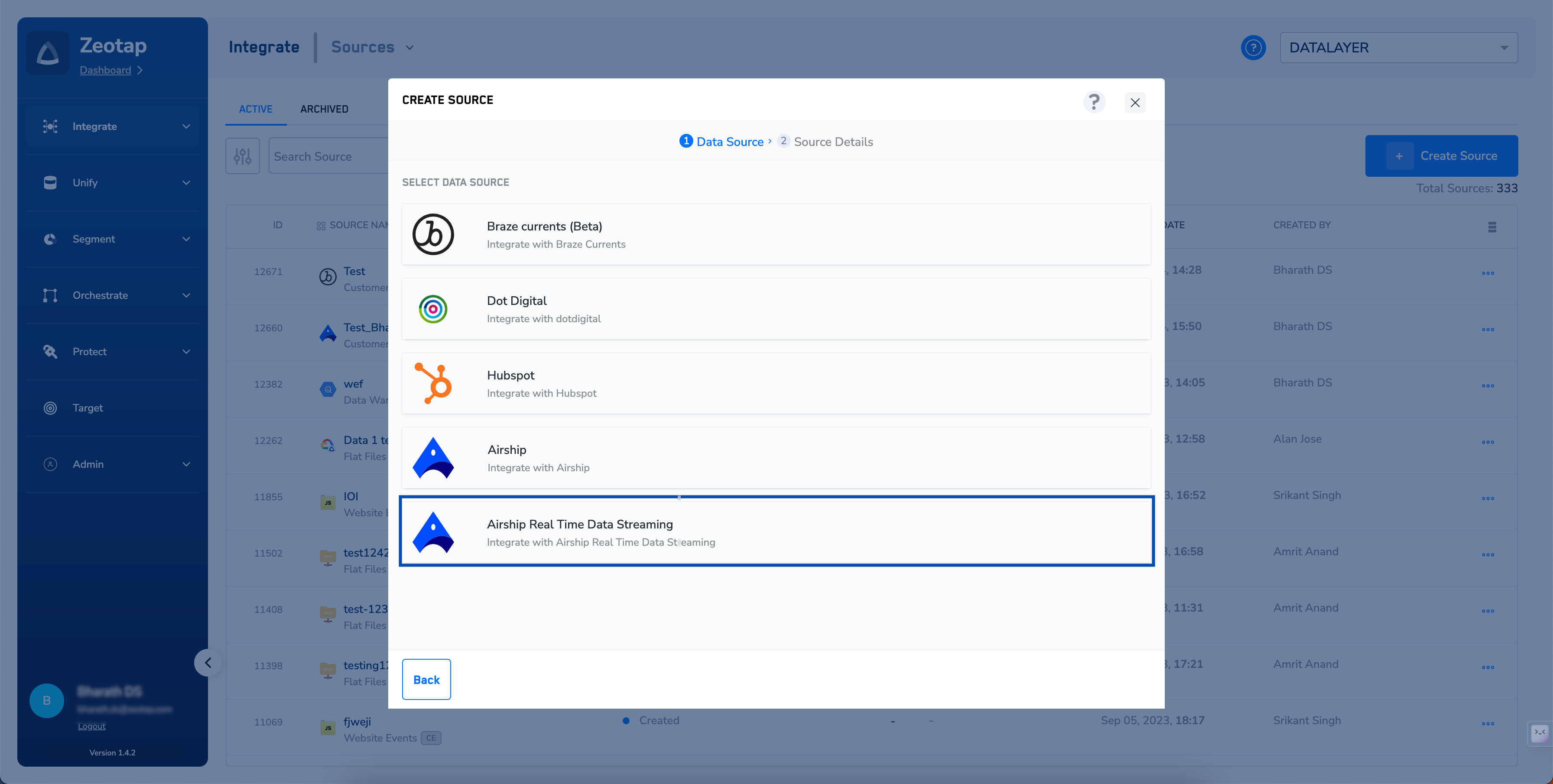
 Click **Airship Real-Time Data Streaming** as the Data Source.
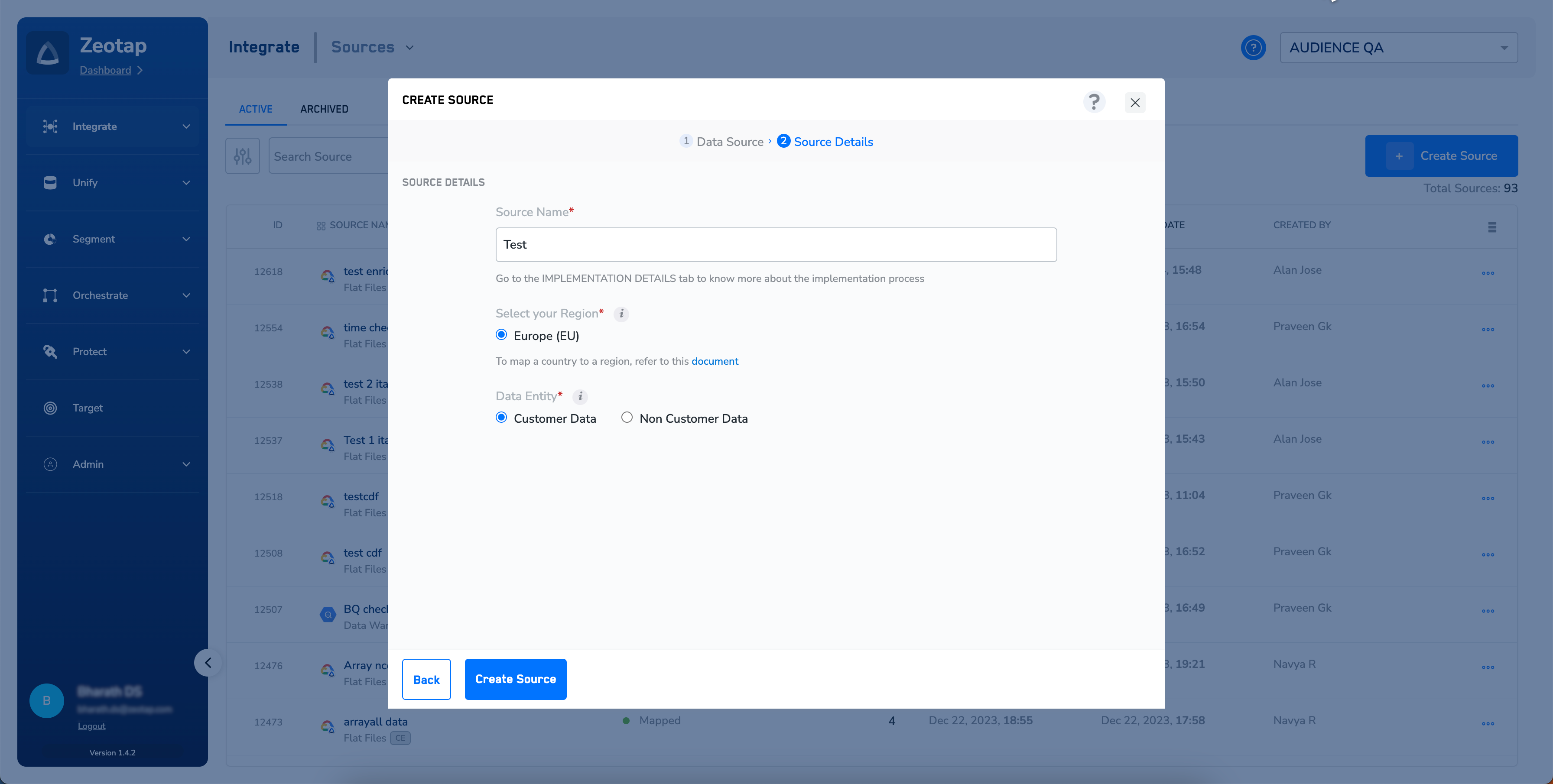
 Enter a short and descriptive name for the source.
Select a **Region** using the option button provided.
Under **Data Entity**, depending on the type of data that you want to ingest, choose either **Customer Data** or **Non Customer Data** and proceed with the source creation. To know more about Customer Data and Non Customer Data, refer [here](https://docs.zeotap.com/smart/project-unify/supported-data-entities).
Enter a short and descriptive name for the source.
Select a **Region** using the option button provided.
Under **Data Entity**, depending on the type of data that you want to ingest, choose either **Customer Data** or **Non Customer Data** and proceed with the source creation. To know more about Customer Data and Non Customer Data, refer [here](https://docs.zeotap.com/smart/project-unify/supported-data-entities).
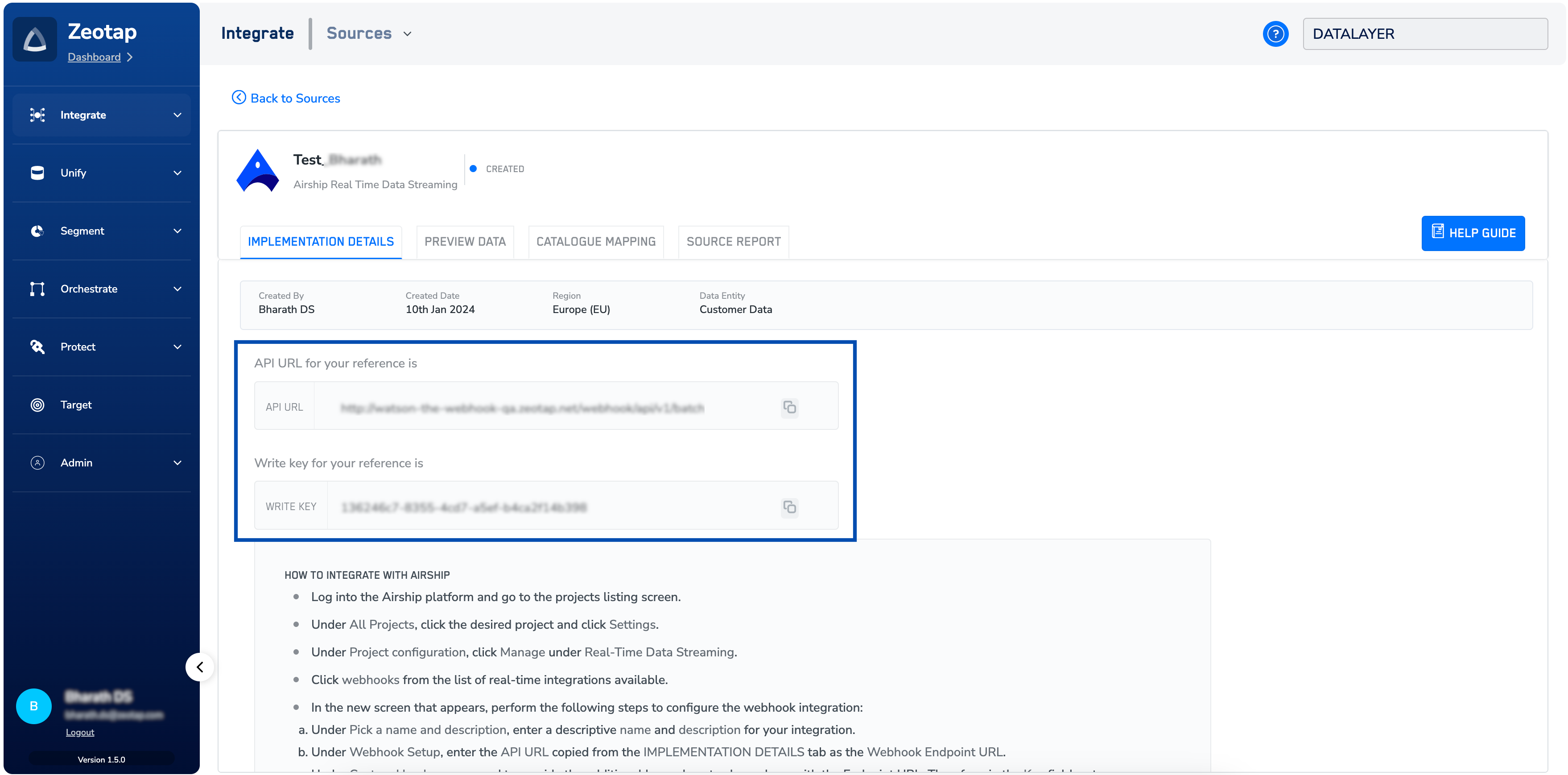
 Click **CREATE SOURCE**. Upon successful creation, an **API URL** and a write\_key is generated and is available under the **IMPLEMENTATION DETAILS** tab as shown in the image below. The API Key and Write Key are essential for the implementation of this integration.
 **Note:**
To know more about Airship Real-Time Data Streaming Implementation, refer to [Implement a Airship Real-Time Data Streaming source](/articles/integrate-customer/create-an-airship-real-time-data-streaming-source).
**Note:**
To know more about Airship Real-Time Data Streaming Implementation, refer to [Implement a Airship Real-Time Data Streaming source](/articles/integrate-customer/create-an-airship-real-time-data-streaming-source).