> ## Documentation Index
> Fetch the complete documentation index at: https://docs.zeotap.com/llms.txt
> Use this file to discover all available pages before exploring further.
# Preview Data
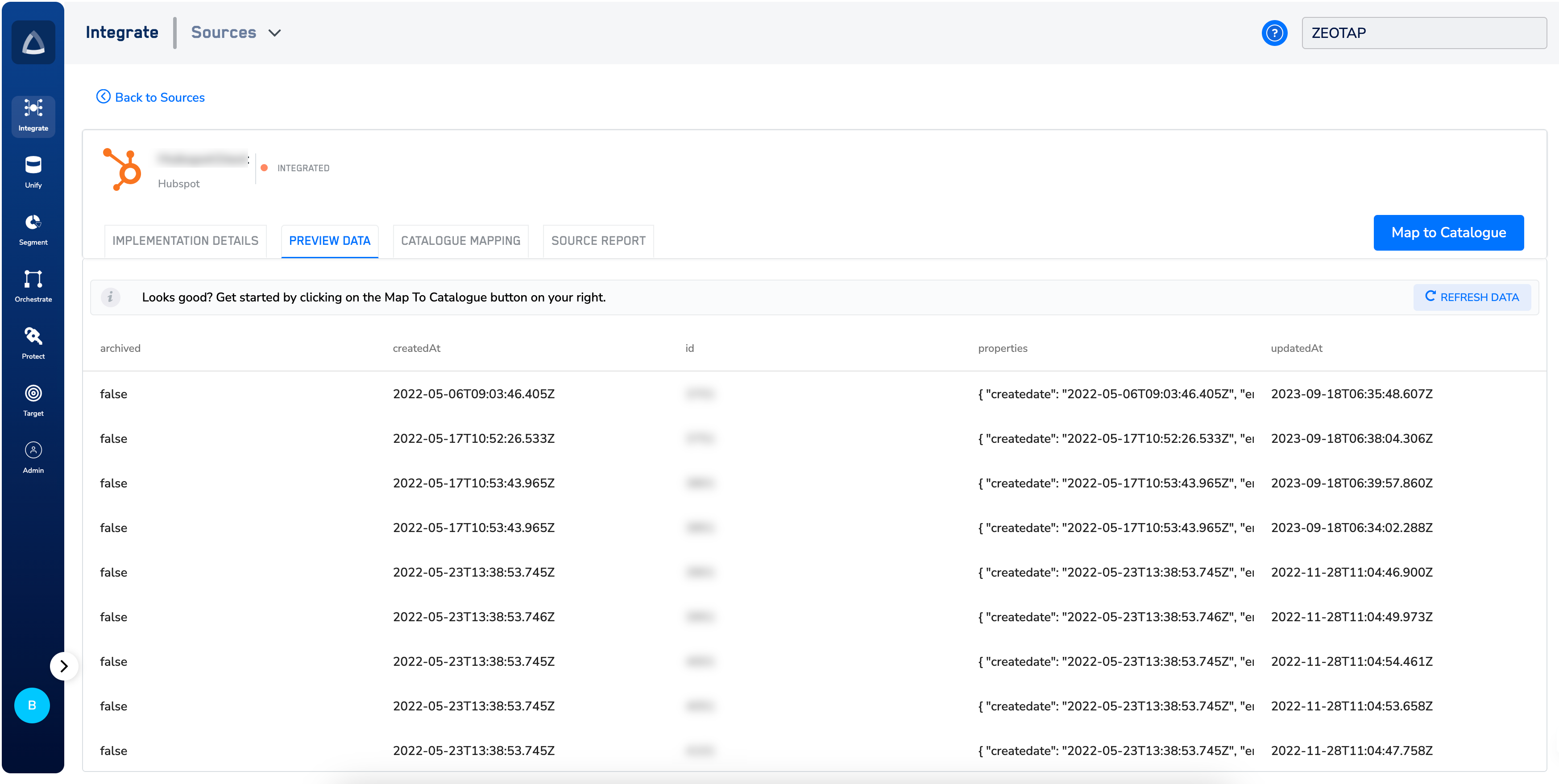
> After successfully implementing the source, you can examine the data that has been received into the system under the PREVIEW DATA tab. Note that once the data starts flowing into the system, the status of the source changes to *Integrated*.
If no data is ingested, then a message stating “*We haven’t received any data yet. please check again later and ensure that thesource is implemented correctly. In case of any issues, contact [support@zeotap.com](mailto:support@zeotap.com)” message appears on the screen.*