> ## Documentation Index
> Fetch the complete documentation index at: https://docs.zeotap.com/llms.txt
> Use this file to discover all available pages before exploring further.
# Overview
> Dashboard provides information about the key account metrics in the form of charts. The metrics include inbound events, number of unique users, number of segments in successful state and so on.
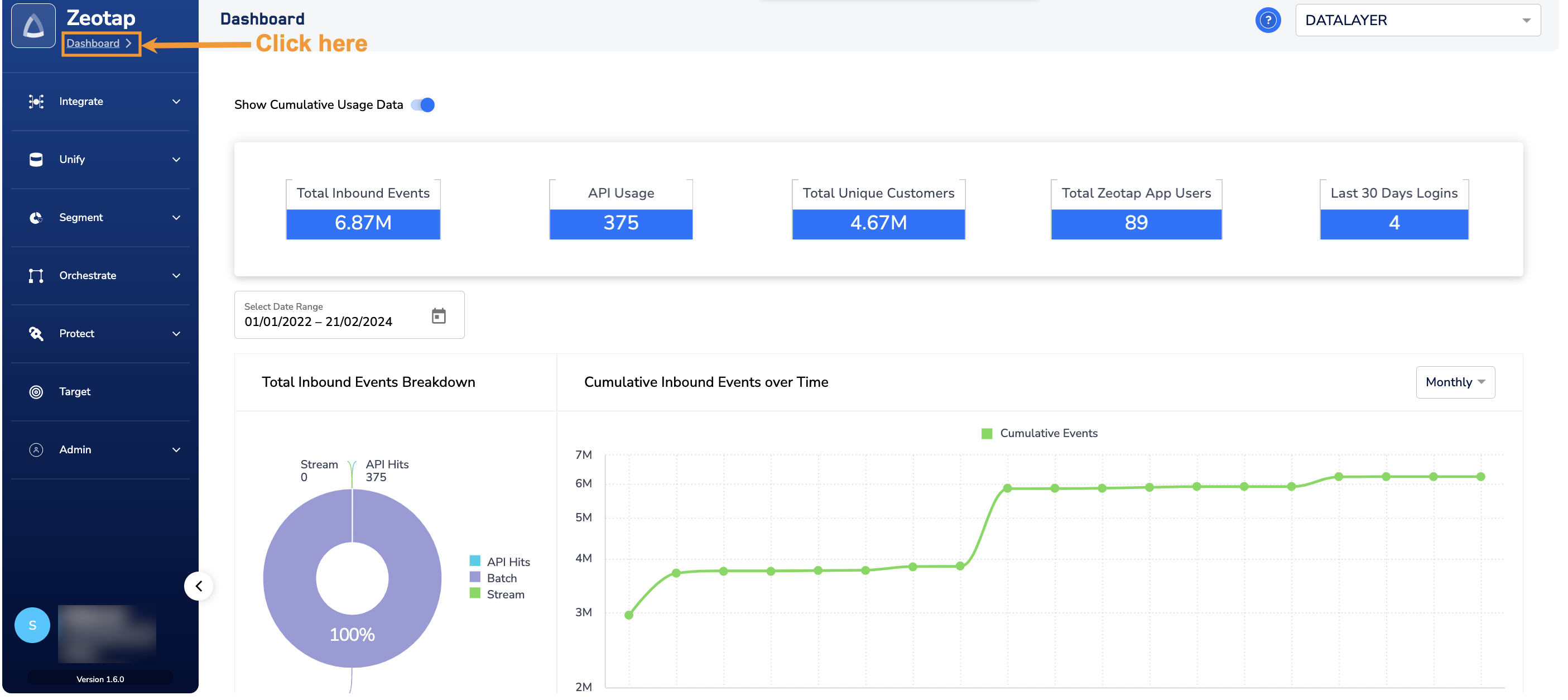
To navigate to the Dashboard, log into the Zeotap CDP App and click **Dashboard** on the left navigation panel. The home screen of the Dashboard appears as shown below.
 For more information about different panels in the Dashboard, refer [here](/articles/dashboard-customer/panels-of-the-dashboard).
### When to use the “Show Cumulative Usage Data” option?
Use the **Show Cumulative Usage Data** button to view the cumulative usage of all organisations within a parent organisation. For example, if your parent organisation is named "Client A" and it has two child organisations, "Client A-Child1" and "Client A-Child2," then enabling this option allows you to see the combined usage across all entities. By default, the **Show Cumulative Usage Data** button is disabled. In this state, the Dashboard panels display data solely for the selected organisation.
For more information about different panels in the Dashboard, refer [here](/articles/dashboard-customer/panels-of-the-dashboard).
### When to use the “Show Cumulative Usage Data” option?
Use the **Show Cumulative Usage Data** button to view the cumulative usage of all organisations within a parent organisation. For example, if your parent organisation is named "Client A" and it has two child organisations, "Client A-Child1" and "Client A-Child2," then enabling this option allows you to see the combined usage across all entities. By default, the **Show Cumulative Usage Data** button is disabled. In this state, the Dashboard panels display data solely for the selected organisation.
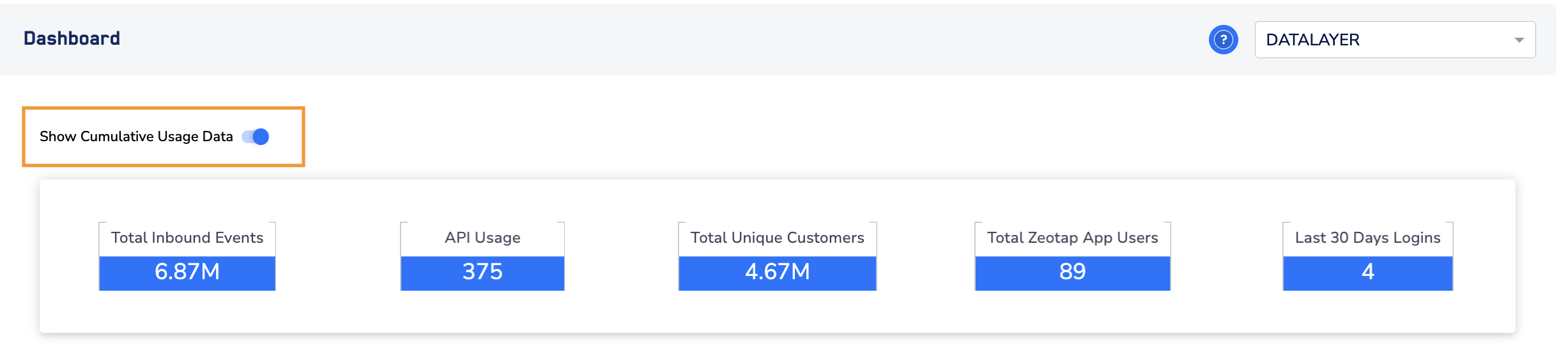 The **Show Cumulative Usage Data** option appears only when the selected organisation has child organisations.